Visual Effects
(VFX)
Create cinematic worlds through compositing, tracking, keying and digital effects.
Build practical skills for bringing imagined elements into live action. Across eight focused weeks, explore the visual effects pipeline and create polished composites through guided exercises and project work.
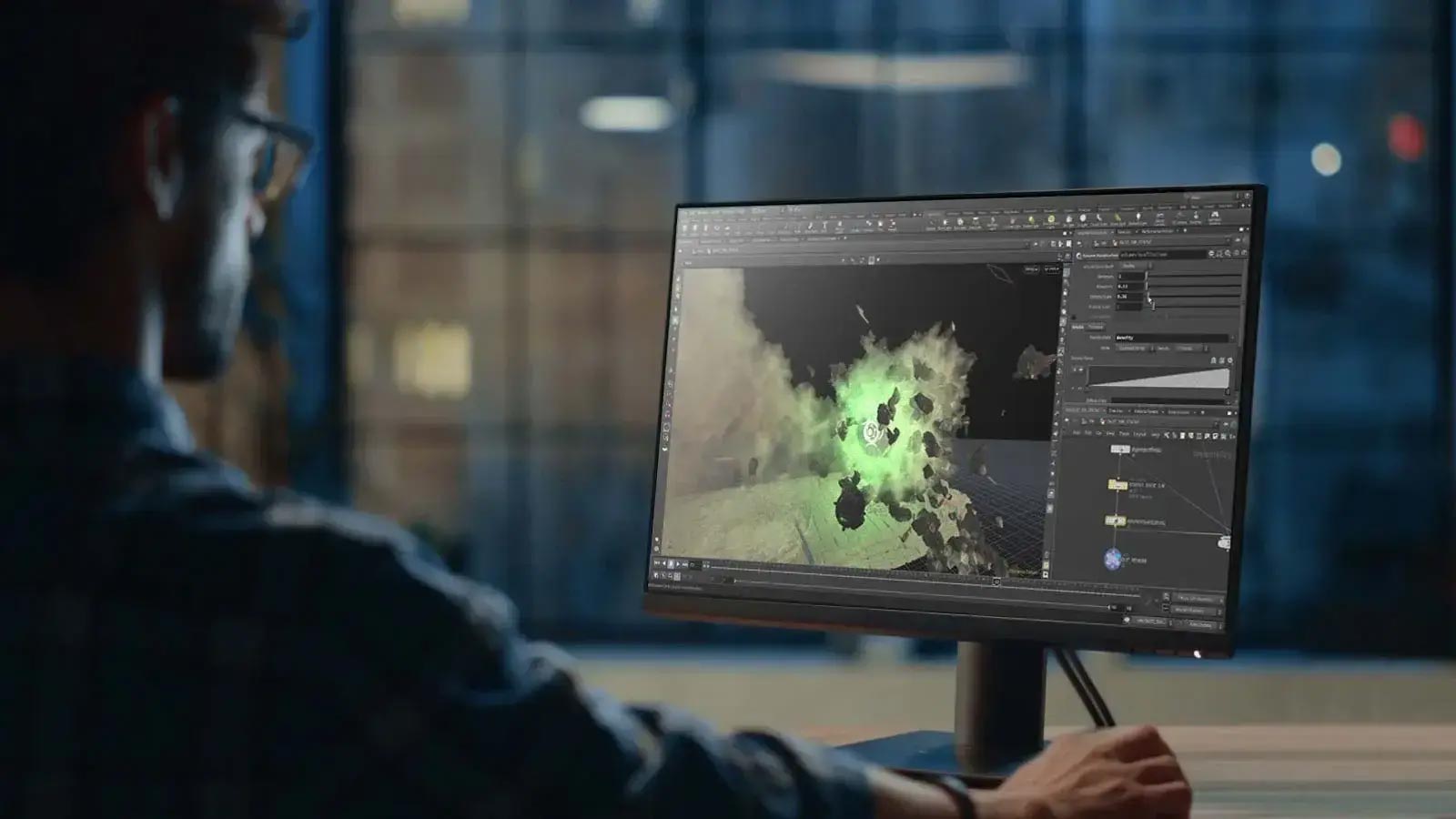
Make the impossible feel real.
Visual effects combine filmed images and digitally created elements to tell stories that cannot be captured in camera alone. VFX is used across film, television, advertising, gaming and digital media—from invisible clean-up to expansive imagined worlds.
This course follows the production workflow from shot planning through compositing and final delivery. Work with layers, masks, green screen, motion tracking, particles and colour integration while developing a practical VFX portfolio.
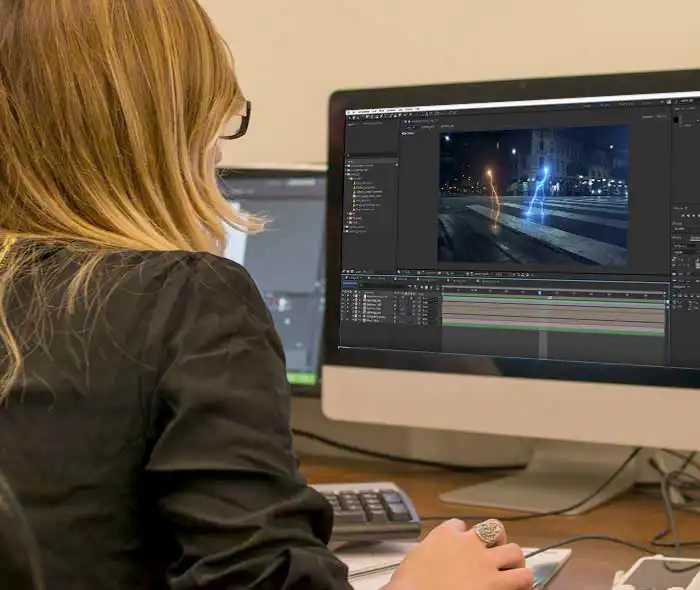
Develop practical Visual Effects skills through industry-focused training, creative projects, and hands-on learning without paying tuition fees.
Support for your learning journey
Structured learning combines demonstrations, practice and feedback as you build confidence with the tools and workflow.
1-on-1 Mentorship
One month of dedicated guidance to help polish composites and work through creative challenges.
Student Portal
Access course modules and learning resources through the online student portal.
Weekly Quizzes
Check your progress with interactive quizzes, assignments and practice exercises.
Project Portfolio
Develop hands-on composites and a breakdown reel that demonstrates your VFX workflow.
Learn by building, week by week.
Explore the core topics and techniques covered in the course. Select a week to open its learning modules.
VFX Theory & Interface
- Production pipeline: pre-production, production and post-production
- Project, composition and timeline panels
- Resolution, frame rates and alpha channels
Basic Compositing
- Layer stacking and compositing order
- Screen, Multiply and Overlay blending modes
- Position, scale, rotation and opacity
The Invisible Fix
- Clean plates and removing unwanted objects
- Clone Stamp painting for wires and boom mics
Masking Basics
- Pen Tool paths to isolate objects
- Mask feather, expansion and opacity
- Garbage mattes for rough cut-outs
Rotoscoping
- Frame-by-frame animated mask paths
- Roto Brush 2.0 assisted subject isolation
- Refining edges around hair and fine detail
Track Mattes
- Alpha mattes to reveal one layer through another
- Text reveals behind people or architecture
Keying Theory
- Why green screens work with digital sensors and skin tones
- Spotting uneven lighting and screen shadows
Keylight 1.2
- Choosing the screen colour
- Inspecting the Screen Matte alpha
- Clip Black and Clip White cleanup
Spill & Edge Cleanup
- Despill green reflections from skin and hair
- Light wrap to blend subject edges with a background
Point Tracking
- One-point position tracking
- Two-point position, rotation and scale
- Search and feature regions in the Tracker panel
Planar Tracking — Mocha AE
- Planar tracking for surfaces and screens
- Surface Tool and perspective planes
Corner Pinning
- Phone and television screen replacement
- Adding reflections back for realistic integration
The 3D Camera Tracker
- Solving 3D space from 2D footage
- Improving track accuracy with shot type and target size
- Identifying ground and wall planes
Placing Objects
- Using nulls and cameras as references
- Placing text in a tracked street scene
Shadow Catchers
- Creating an invisible layer that catches shadows
- Grounding a digital object in live footage
CC Particle World
- Gravity, velocity and resistance
- Shaded spheres and textured quad particles
Simulation Basics
- Building rain and snow effects
- Adding dust hits and sparks to an impact
Procedural Effects
- Fractal Noise for fog, energy fields and water textures
- Saber plugin for energy beams (optional)
Colour Matching
- Match shadow and highlight black and white points
- Use Levels and Curves to match contrast
Optical Effects
- Manage grain between clean CGI and footage
- Chromatic aberration, lens flares and motion blur
Lumetri Colour for VFX
- Apply a final grade across a composition
- Integrate layered visual elements into one look
AI Workflow with Gemini
- Use AI assistance to draft After Effects expressions
- Plan a VFX breakdown and shot asset list
- Troubleshoot errors with AI assistance
Rendering & Delivery
- Render Queue settings for ProRes and DNxHR masters
- Media Encoder export in H.264 and H.265 for web delivery
From source footage to finished composite.
By the end of the course, learners will have practiced the techniques used to create seamless, believable visual effects shots.
- Combine video layers and blend modes for clean digital compositing.
- Isolate subjects using masks and AI-assisted rotoscoping.
- Key green screen footage with spill suppression and edge cleanup.
- Track movement with point tracking and Mocha AE planar tracking.
- Solve 3D camera movement and integrate elements into live-action footage.
- Create particle, weather and procedural effects.
- Use AI tools to support expressions, breakdown planning and troubleshooting.
- Colour match, render and deliver an integrated shot.
Understand the complete VFX workflow.
Study VFX fundamentals, the production pipeline, compositing principles, practical software techniques and delivery considerations. Build an understanding of how digital environments and CGI elements can be integrated with photographed material.
Course requirements
The course uses Adobe After Effects and Mocha AE. The original course brochure recommends a basic working knowledge of After Effects; some familiarity with Photoshop and Adobe Premiere Pro is useful. The course listing identifies this as an intermediate level course.
For curious visual storytellers.
This course is suited to aspiring VFX artists and creative learners who want to understand compositing and build hands-on experience with visual effects software.
- Film, television and advertising creatives exploring post-production.
- Digital media makers who want to add effects to their projects.
- Editors and motion designers expanding into VFX workflows.
- Learners with basic After Effects knowledge ready to develop further.
Skills used across creative industries
Visual effects techniques contribute to many production roles. This course develops foundational practice; individual career paths depend on continued learning, experience and portfolio work.